

TL;DR: Encircle is the top all-in-one choice for restoration workflows, DocuSketch wins on speed and floor plan accuracy, and Matterport leads in 3D visual documentation for large-loss jobs. The right pick depends on your job volume, crew size, and how your adjusters prefer to review claims.
Restoration documentation software captures, organizes, and delivers field data from damaged properties to insurance carriers and project managers. The right platform can cut documentation time by 50% or more, speed up claim approvals, and reduce payment disputes that eat into your margins. The wrong one creates bottlenecks that slow down every job.
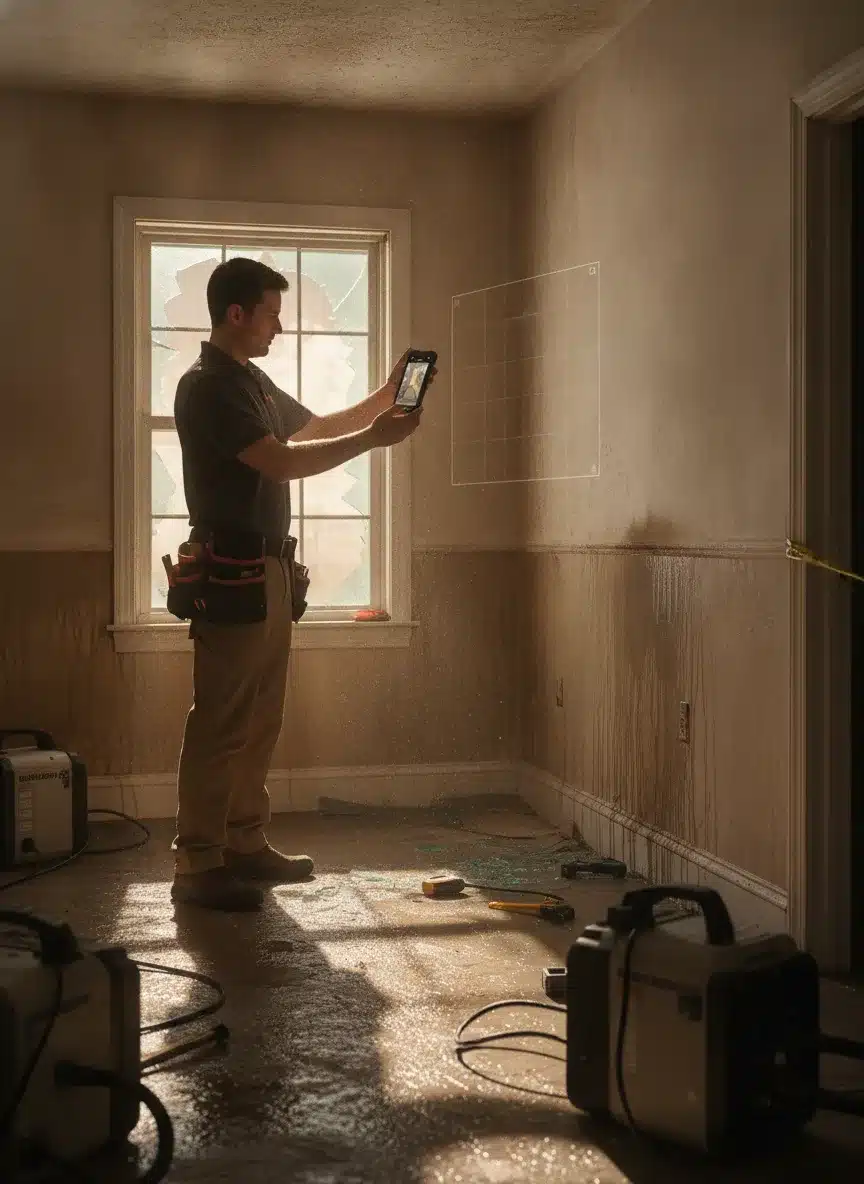
This comparison breaks down the three leading platforms in restoration field documentation: Encircle, DocuSketch, and Matterport. Each takes a different approach to solving the same problem, and the best fit depends on your company size, service mix, and how you interact with adjusters.
Why Documentation Software Matters More Than Ever
Insurance carriers now expect digital documentation on every claim. Paper sketches, manual measurements, and photo folders uploaded to Dropbox no longer cut it. According to the Insurance Information Institute, insurers processed over 1.3 million property damage claims in 2024 alone, and the push toward digital-first workflows has accelerated across the industry.
For restoration companies focused on building their online presence, demonstrating technology adoption in your marketing materials also signals credibility to both carriers and homeowners. Property owners who see that your team uses professional documentation tools feel more confident about the accuracy of their claim.
The financial impact is clear: faster documentation means faster approvals, which means faster payment. When your average water damage restoration job ties up $5,000 to $15,000 in labor and equipment costs, shaving even a week off the payment cycle improves cash flow significantly.
Want more customers from Google & AI search?
Get a free SEO audit of your site — see exactly what to fix first.
Is DocuSketch the Top Platform for Insurance Claims, or Do Adjusters Prefer Something Else?
DocuSketch is a strong choice for insurance claim documentation because of its speed and floor plan accuracy, but many adjusters still prefer Encircle because it combines moisture tracking, photo organization, and Xactimate integration in one restoration-specific workflow. DocuSketch excels when fast floor plans and 360-degree photos are the priority. Encircle excels when adjusters need a complete moisture and damage record in one place. The preference often comes down to which platform a carrier or adjuster has already adopted as their standard.
Adjusters working high-volume residential claims tend to lean toward Encircle for its depth of restoration-specific data. Adjusters handling commercial or large-loss files often appreciate the spatial clarity that DocuSketch and Matterport provide through 360-degree walkthroughs. If your business depends on strong adjuster relationships, asking your key carrier contacts which platform they prefer is the fastest way to pick a winner for your market.
Based on Reviews: DocuSketch vs. Encircle
Based on user reviews, Encircle earns consistent praise for its restoration-specific depth, while DocuSketch wins high marks for the speed of its DS1 camera and automatic floor plan accuracy. Encircle reviewers frequently highlight moisture tracking and Xactimate integration as game-changers for their teams. DocuSketch reviewers consistently point to the 20-second room capture as the feature that sets it apart, especially on jobs that happen at night or require fast turnaround.
Common complaints about Encircle in reviews center on its monthly cost and a learning curve for technicians who are new to digital documentation. Common complaints about DocuSketch focus on the need for the proprietary DS1 camera hardware and the fact that camera availability can bottleneck multi-crew operations. Neither platform earns universally negative reviews. The criticism for each is specific to use cases where the platform was not the right fit.
Which Is Better: DocuSketch vs. Encircle?
Encircle is better for restoration companies that need a complete job management and documentation platform, while DocuSketch is better for companies that prioritize fast, accurate floor plans and 360-degree photo documentation above all else. The decision is not about which platform is objectively superior. It is about which one solves your biggest operational bottleneck.
If your team is losing time on manual sketches and moisture logs, Encircle will deliver more immediate results. If your crew documents multiple properties per day and needs to capture each room in seconds rather than minutes, DocuSketch gives you that speed advantage. See the full comparison table in the section below.
Encircle: Built Specifically for Restoration
Encircle was designed from the ground up for the restoration industry. It is not a general-purpose tool adapted for restoration work. That focus shows in every feature.
The platform generates floor plans in under 90 minutes using mobile devices. Technicians walk through a property, capture photos and measurements, and Encircle stitches together a complete floor plan with room dimensions. Moisture readings, material inventories, and damage assessments all attach directly to each room.
Pricing runs approximately $590 per month for a standard subscription. That is not cheap for a small operation, but the time savings compound quickly across multiple jobs. According to Encircle’s published data, companies report reducing documentation time by 40 to 60 percent compared to manual methods.
Key strengths:
- Direct Xactimate integration for estimate creation
- Moisture tracking with visual maps that adjusters can review remotely
- Photo and video capture organized by room automatically
- Cloud-based collaboration so project managers and adjusters access the same data
- Content inventory tracking for pack-out documentation
Where Encircle falls short:
- No 3D modeling capability
- Higher monthly cost than some alternatives
- Learning curve for technicians unfamiliar with digital documentation
- Best suited for companies running 10 or more jobs per month to justify the cost
DocuSketch: Speed Through Hardware Integration
DocuSketch takes a different approach by combining proprietary hardware with software. The DS1 camera captures entire rooms in roughly 20 seconds, creating measurement-accurate floor plans without manual input. That speed advantage matters when your crew is documenting a flooded basement at 11 PM.
The hardware-software combination produces remarkably accurate floor plans. DocuSketch claims measurement accuracy within 1 to 2 percent, which is tight enough for Xactimate estimates. The system also generates 360-degree photo documentation that gives adjusters a virtual walkthrough without visiting the property.

For restoration companies that handle fire damage projects where structural documentation is critical, DocuSketch’s speed and accuracy provide a real competitive edge. Adjusters can review damage remotely, which accelerates the approval process.
Key strengths:
- Fastest capture time in the market (20 seconds per room with DS1 camera)
- High measurement accuracy for Xactimate integration
- 360-degree photo documentation built in
- Automatic floor plan generation
- Lower per-scan cost at high volume
Where DocuSketch falls short:
- Requires proprietary DS1 camera hardware (additional upfront investment)
- Camera availability can bottleneck multi-crew operations
- Less robust moisture tracking compared to Encircle
- Smaller user community means fewer troubleshooting resources
Matterport: The 3D Digital Twin Leader
Matterport creates full 3D digital twins of properties. If you have ever seen a virtual real estate tour where you can walk through a house on your screen, that is Matterport technology. For restoration, this capability provides the most comprehensive visual record of any platform.
The 3D models serve multiple purposes beyond documentation. They give adjusters complete spatial context without a site visit. They help homeowners understand the scope of damage. And they create a permanent record that protects your company if disputes arise months later about pre-existing conditions versus restoration-related issues.
According to Matterport’s industry reports, companies using 3D documentation reduce adjuster site visits by up to 30 percent. That is significant when adjuster availability is a bottleneck in claim processing, especially after major storm events when carriers are overwhelmed with claims.
Key strengths:
- Full 3D digital twin creation
- Most comprehensive visual documentation available
- Excellent for large-loss and commercial projects
- Measurement tools built into the 3D model
- Strong integration with project management platforms
Where Matterport falls short:
- Slower capture process than DocuSketch (minutes per room, not seconds)
- More expensive hardware (Pro2 camera starts around $4,000)
- Not specifically designed for restoration workflows
- No built-in moisture tracking or content inventory
- Overkill for routine residential water damage jobs
DocuSketch vs. Matterport: Which 360 Platform Wins?
DocuSketch wins for speed and restoration-specific workflows, while Matterport wins for 3D depth and large-loss commercial documentation. DocuSketch captures a room in 20 seconds and produces floor plans that feed directly into Xactimate. Matterport captures a full 3D model that adjusters can navigate spatially, which is a stronger tool for complex or high-value claims.
| Feature | DocuSketch | Matterport |
|---|---|---|
| Capture Speed | ~20 seconds per room | Several minutes per room |
| 3D Modeling | No | Yes, full digital twin |
| 360-Degree Photos | Yes | Yes |
| Floor Plan Generation | Automatic, high accuracy | Yes, with measurement tools |
| Xactimate Integration | Yes | Limited |
| Moisture Tracking | Limited | No |
| Hardware Required | Proprietary DS1 camera | Pro2 camera (~$4,000) |
| Best Use Case | Residential restoration, fast turnaround | Large-loss, commercial, dispute protection |
| Restoration-Specific Design | Yes | No |
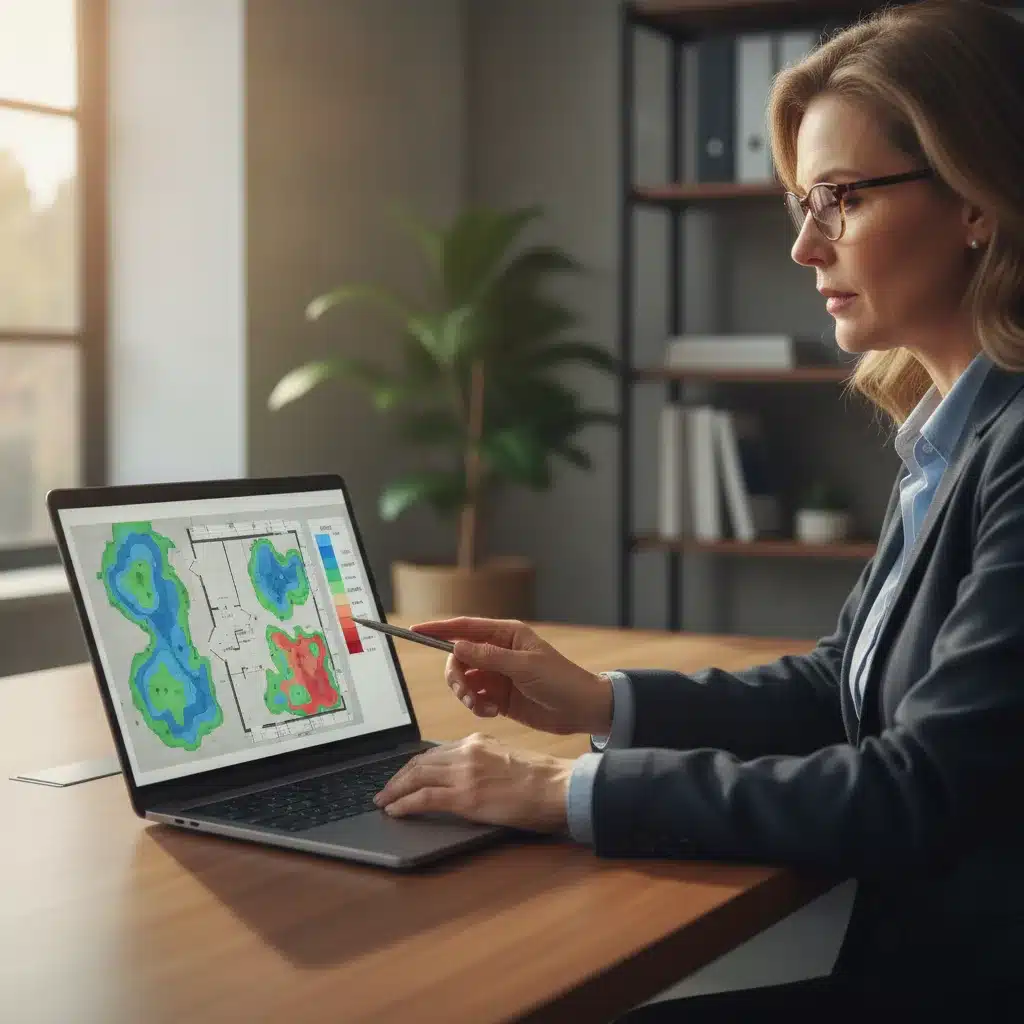
For most residential restoration companies, DocuSketch delivers more value per job. For companies that handle large commercial losses or want the strongest possible visual record for dispute protection, Matterport is worth the extra investment and capture time.
Hover vs. DocuSketch for Property Claim Documentation
Hover is better suited for exterior property measurement and roofing estimates, while DocuSketch is the stronger choice for interior restoration documentation and floor plan accuracy. Hover uses smartphone photos taken from outside the property to generate exterior measurements, which makes it a popular tool for roofing contractors and exterior damage claims. DocuSketch goes inside the property and generates interior floor plans with 360-degree documentation, which is where restoration work lives.
If your restoration company also handles exterior work and wants one tool for both, you may end up needing both platforms for different parts of the same claim. For pure interior restoration documentation, DocuSketch is the more capable and purpose-built option. Hover does not replace DocuSketch for water, fire, or mold documentation workflows.
Best 360 Documentation Solution for Multi-Location Restoration Firms
Encircle is the best 360 documentation solution for multi-location restoration firms because its cloud-based platform gives regional managers and corporate teams consistent access to job data across all locations without relying on a single camera device. Multi-location firms face a specific problem: documentation quality and format can vary wildly from one branch to another, which creates inconsistencies that carriers notice and that slow down approvals.
Encircle solves this by standardizing the documentation workflow at the software level. Every technician at every location follows the same process, and every output lands in the same cloud environment. For franchise operations or firms with three or more locations, that consistency is worth more than the speed advantage DocuSketch offers on a per-job basis.
DocuSketch can work for multi-location firms if each location has its own DS1 camera, but coordinating hardware across branches adds complexity and cost. Matterport faces the same hardware challenge at a higher price point. For firms that want to standardize documentation across locations without managing camera inventory, Encircle is the practical choice. You can learn more about building a consistent brand across your restoration operations through restoration company branding strategies.

Top 360 Documentation Platforms for Restoration Companies
In this video
- 0:00 Manual Documentation Is Costing You Claims
- 1:10 What Manual Sketching Actually Costs
- 1:40 DocuSketch Field Workflow Explained
- 2:43 What Adjusters Receive in One Link
- 3:17 Why Supplement Disputes Happen
- 3:45 Side-by-Side Comparison Six Factors
- 4:27 Water Loss Workflow Start to Finish
- 5:08 Drying Logs and Multi-Story Properties
- 5:46 Three Places ROI Comes From
- 6:21 Photo Documentation Done Right
- 7:04 Time Savings Broken Down by Task
- 7:36 Who Benefits Most from DocuSketch
The top 360 documentation platforms for restoration companies in 2026 are DocuSketch, Matterport, and Encircle, ranked in that order for pure 360-degree visual documentation capability. DocuSketch captures 360-degree rooms in 20 seconds and feeds that data into automated floor plans. Matterport creates navigable 3D environments that give adjusters the closest thing to an in-person site visit. Encircle integrates 360-degree photo capture into a broader restoration workflow that also handles moisture logs, content inventories, and Xactimate data.
The ranking changes depending on what you need the 360 documentation to accomplish. For adjuster remote review speed, DocuSketch leads. For dispute protection and spatial accuracy on large losses, Matterport leads. For a complete restoration record that combines 360 photos with all other claim data, Encircle leads. Strong documentation also supports the service pages that drive organic traffic to your website, so the platform you choose reflects on your company’s professionalism in more ways than one.
Top Insurance Restoration Documentation Apps
The top insurance restoration documentation apps are Encircle, DocuSketch, Matterport, and XactAnalysis, with Encircle being the most widely adopted because it was built specifically for restoration workflows and connects directly to Xactimate. Each app serves a different part of the documentation process, and some restoration companies use more than one depending on the job type.
Here is how the top apps break down by primary function:
- Encircle: All-in-one restoration documentation including floor plans, moisture tracking, photo organization, content inventory, and Xactimate integration
- DocuSketch: Fast 360-degree capture and automatic floor plan generation using the DS1 camera
- Matterport: Full 3D digital twin documentation for large-loss and commercial claims
- XactAnalysis: Carrier-side platform for claim submission and status tracking that pairs with your documentation tools
Using the right combination of these tools for your insurance marketing for restoration companies strategy can also strengthen relationships with adjusters and carrier programs that expect digital-first documentation as a baseline requirement.
TrueRestore Moisture Mapping vs. Encircle vs. CoreLogic: Franchise Documentation Consistency
For franchise documentation consistency, Encircle is the strongest choice among these platforms because it standardizes the entire documentation workflow across locations, while TrueRestore focuses specifically on moisture mapping and CoreLogic serves broader claim management functions rather than field documentation. Each tool plays a different role in the restoration ecosystem.
TrueRestore moisture mapping software focuses on psychrometric data and drying documentation, which is valuable for water damage claims where you need to prove drying progress over time. Encircle also includes moisture tracking but wraps it inside a more complete field documentation system that covers photo capture, floor plans, content inventories, and Xactimate data. CoreLogic operates at the carrier and claims management level rather than the field documentation level, so comparing it directly to Encircle or TrueRestore is comparing different parts of the claim pipeline.
For franchise operators who need every location to produce documentation that looks identical and meets carrier expectations consistently, Encircle is the platform that delivers that standardization. TrueRestore can complement Encircle on water damage jobs where detailed psychrometric logging adds claim strength. A strong restoration marketing calendar can help franchise operators coordinate documentation standards with seasonal campaign planning so that every location stays aligned year-round.
Quick Recap
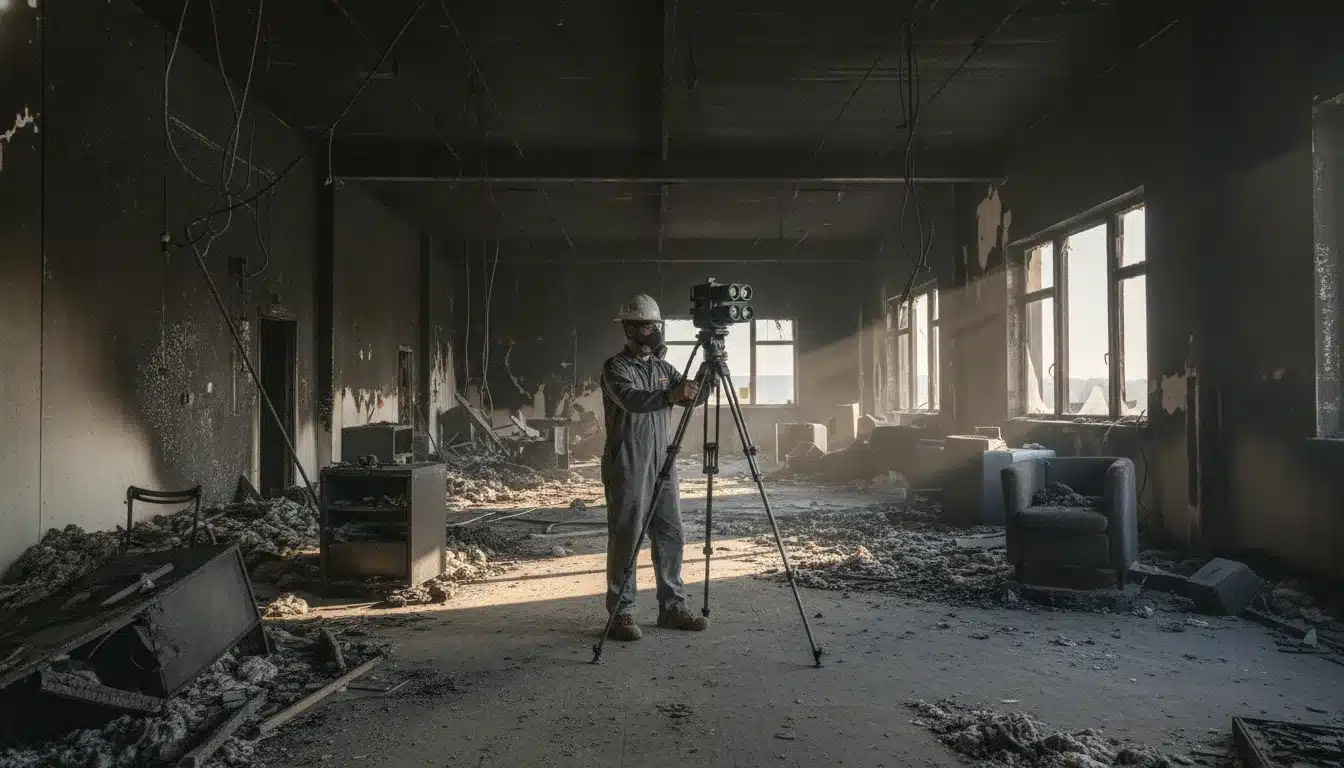
- Encircle is the best all-in-one restoration documentation platform for companies running 10 or more jobs per month that need moisture tracking, Xactimate integration, and multi-location consistency.
- DocuSketch wins on speed with its 20-second room capture using the DS1 camera and delivers floor plan accuracy within 1 to 2 percent for Xactimate estimates.
- Matterport produces the most comprehensive visual documentation through full 3D digital twins, making it the top choice for large-loss commercial claims and dispute protection.
- Hover is an exterior measurement tool, not a replacement for interior restoration documentation apps like DocuSketch or Encircle.
- Multi-location and franchise firms get the most value from Encircle because it standardizes documentation quality across all branches through a cloud-based workflow.
- TrueRestore specializes in moisture mapping and psychrometric data and can complement Encircle on water damage claims rather than replace it.
- The platform you choose affects not just claim speed but also your credibility with adjusters and homeowners, which connects directly to your restoration documentation software strategy.
- Adjusters do not universally prefer one platform. The best choice is the one your key carrier contacts already use or accept.
Frequently Asked Questions
What is the difference between Encircle and DocuSketch?
Encircle is a complete restoration documentation platform that covers moisture tracking, photo organization, content inventories, and Xactimate integration. DocuSketch focuses on fast, accurate floor plan generation and 360-degree photo capture using its proprietary DS1 camera. Encircle is broader; DocuSketch is faster.
Does DocuSketch integrate with Xactimate?
Yes, DocuSketch integrates with Xactimate. Its floor plans are accurate within 1 to 2 percent, which meets the precision needed for Xactimate estimate creation. This integration is one of its primary selling points for insurance restoration work.
Is Matterport worth it for restoration companies?
Matterport is worth it for restoration companies that handle large-loss commercial claims or frequently face disputes about pre-existing conditions. The 3D digital twin it creates gives adjusters and attorneys a complete spatial record. For routine residential jobs, the cost and capture time make it harder to justify compared to DocuSketch or Encircle.
Which restoration documentation platform is best for franchise operations?
Encircle is the best platform for franchise and multi-location restoration operations. Its cloud-based workflow standardizes documentation quality across every branch, so every location produces consistent output that meets carrier expectations. This consistency reduces adjuster callbacks and speeds up approvals across your entire network.
How does DocuSketch compare to Matterport for insurance claims?
DocuSketch is faster and more restoration-specific, while Matterport provides deeper 3D documentation for complex claims. DocuSketch captures rooms in 20 seconds and feeds data directly into Xactimate. Matterport takes longer but produces navigable 3D models that give adjusters complete spatial context, which is valuable on large or disputed claims.
Can I use TrueRestore and Encircle together?
Yes, TrueRestore and Encircle can work together on water damage claims. TrueRestore specializes in psychrometric data and drying documentation, while Encircle handles the broader field documentation workflow including photos, floor plans, and content inventories. Using both gives you detailed drying proof alongside a complete restoration record.
What should I look for in a restoration documentation platform?
Look for Xactimate integration, moisture tracking capability, 360-degree or floor plan capture speed, ease of use for field technicians, cloud access for remote review by adjusters, and pricing that fits your monthly job volume. The best platform is the one your team will actually use consistently on every job.
Choosing the right restoration documentation software is one of the most direct ways to speed up cash flow, reduce adjuster disputes, and position your company as a professional operation that carriers want to work with. If you want to connect that operational strength to a marketing strategy that brings in more jobs, restoration company SEO is where that growth starts. Contact us today to find out how PushLeads helps restoration companies in Asheville, NC turn better documentation and stronger online visibility into measurable lead growth.
Keep Reading
Want more customers from Google & AI search?
Get a free SEO audit of your site — see exactly what to fix first.
Your path · Restoration Company SEO
Keep going: read these next

- Restoration Job Management Software Compared: DASH vs PSA



Want this done for you?
Scan your site. See the gaps. Decide with numbers.
- Rankings, Google Business Profile and site-speed teardown
- Report lands in your inbox in about a minute
- No obligation · 4.9 from 67 Google reviews

